Spring Boot Eureka Server
Spring Boot Eureka Server
Oracle Backend for Microservices and AI includes the Spring Boot Eureka service registry, which stores information about client services. Typically, each microservice registers with Eureka at startup. Eureka maintains a list of all active service instances, including their IP addresses and ports. Other services can look up this information using a well-known key, enabling service-to-service communication without hardcoding addresses at development or deployment time.
Installing Spring Boot Eureka Server
Spring Boot Eureka Server will be installed if the eureka.enabled is set to true in the values.yaml file. The default namespace for Spring Boot Eureka Server is eureka.
Access Eureka Web User Interface
To access the Eureka Web User Interface, use kubectl port-forward to create a secure channel to service/eureka. Run the following command to establish the secure tunnel (replace the example namespace obaas-dev with the namespace where the Spring Boot Eureka Server is deployed):
kubectl port-forward -n obaas-dev svc/eureka 8761
Open the Eureka web user interface
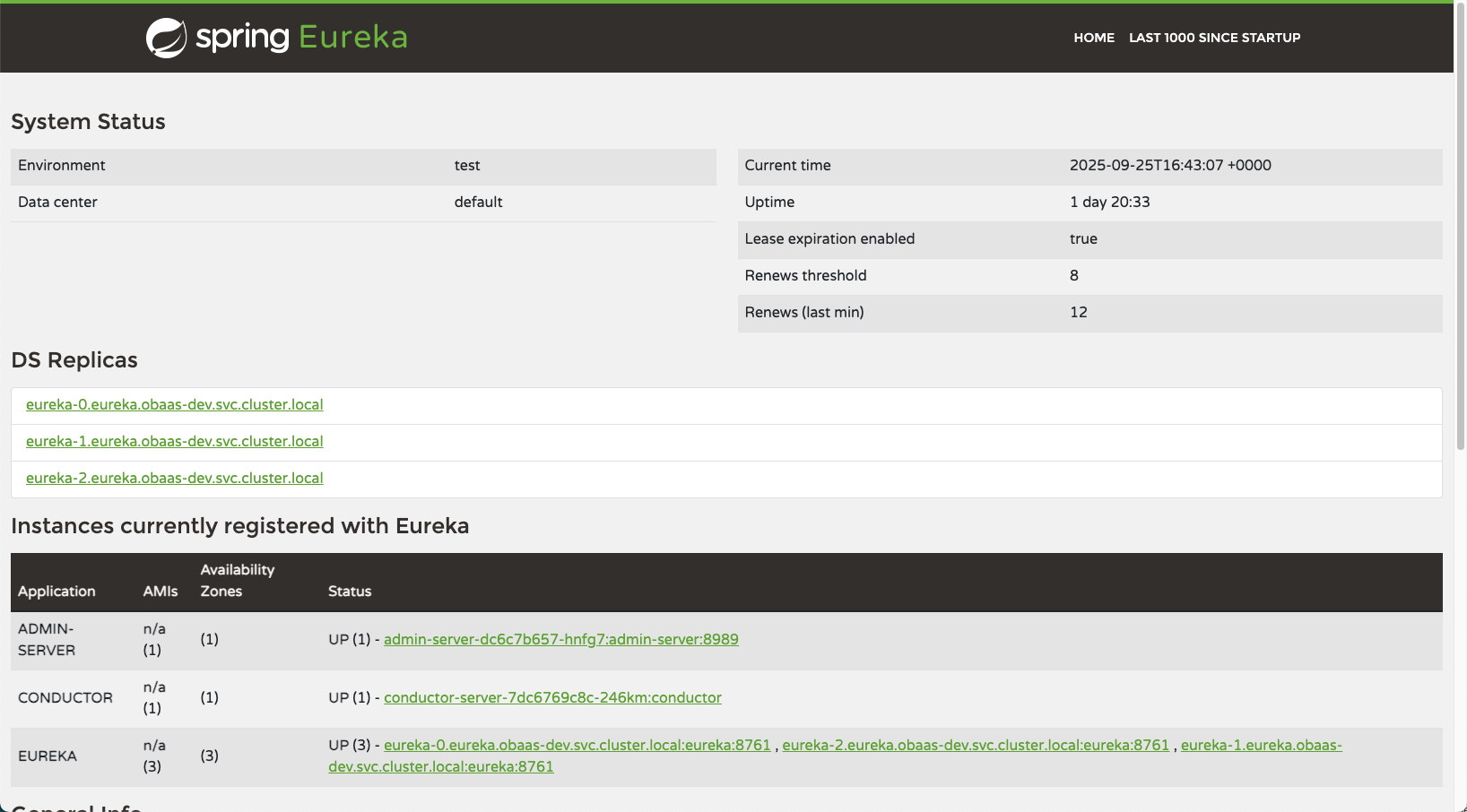
Enable a Spring Boot application for Eureka
To enable a Spring Boot application, you need to add the following dependency.
<dependency>
    <groupId>org.springframework.cloud</groupId>
    <artifactId>spring-cloud-starter-netflix-eureka-client</artifactId>
</dependency>
And to configure the application to register with Eureka, add the following to the application.yaml file. The variables in this configuration are automatically injected into your deployment and pods when you deploy applications to Oracle Backend for Microservices and AI using the OBaaS deployment Helm chart.
eureka:
  instance:
    hostname: ${spring.application.name}
    preferIpAddress: true
  client:
    service-url:
      defaultZone: ${eureka.service-url}
    fetch-registry: true
    register-with-eureka: true
    enabled: true
Enable a Helidon application for Eureka
To enable a Helidon application, you need to add the following dependency.
<dependency>
    <groupId>io.helidon.integrations.eureka</groupId>
    <artifactId>helidon-integrations-eureka</artifactId>
    <scope>runtime</scope>
</dependency>
And to configure the application to register with Eureka, add the following to the application.yaml file:
server.features.eureka.enabled=true
server.features.eureka.instance.name=${eureka.instance.hostname}
server.features.eureka.client.base-uri=${eureka.client.service-url.defaultZone}
server.features.eureka.client.register-with-eureka=true
server.features.eureka.client.fetch-registry=true
server.features.eureka.instance.preferIpAddress=true