Apache APISIX
Apache APISIX
Apache APISIX is an open source cloud native API platform that supports the full lifecycle of API management including publishing, traffic management, deployment strategies, and circuit breakers.
Installing APISIX
Apache APISIX will be installed if the apisix.enabled is set to true in the values.yaml file. The default namespace for Apache APISIX is apisix.
Accessing Apache APISIX
Oracle Backend for Microservices and AI deploys the Apache APISIX Gateway and Dashboard in the apisix namespace by default. The gateway is exposed via an external load balancer and an ingress controller.
To access the Apache APISIX APIs, use kubectl port-forward to create a secure channel to service/apisix-admin. Run the following command to establish the secure tunnel (replace the example namespace obaas-dev with the namespace where APISIX is deployed):
kubectl port-forward -n obaas-dev svc/apisix-admin 9180
Retrieving admin key
To access the APISIX APIs, you need the admin key. Retrieve it with the following command (replace the example namespace obaas-dev with the namespace where APISIX is deployed):
Option 1 - Using yq:
kubectl -n obaas-dev get configmap apisix -o yaml | yq '.data."config.yaml"' | yq '.deployment.admin.admin_key[] | select(.name == "admin") | .key'
Option 2 - Manual retrieval:
If the command above doesn't work:
- Run:
kubectl get configmap apisix -n obaas-dev -o yaml - Look for the
config.yamlsection - Find
deployment.admin.admin_keyand copy the key value
Test the admin key by running a simple curl command; it should return the list of configured routes.
curl http://127.0.0.1:9180/apisix/admin/routes -H "X-API-key: $admin_key" -X GET
Accessing APISIX Dashboard
Note that all functionality is not available in the dashboard. You might need to use the REST APIs
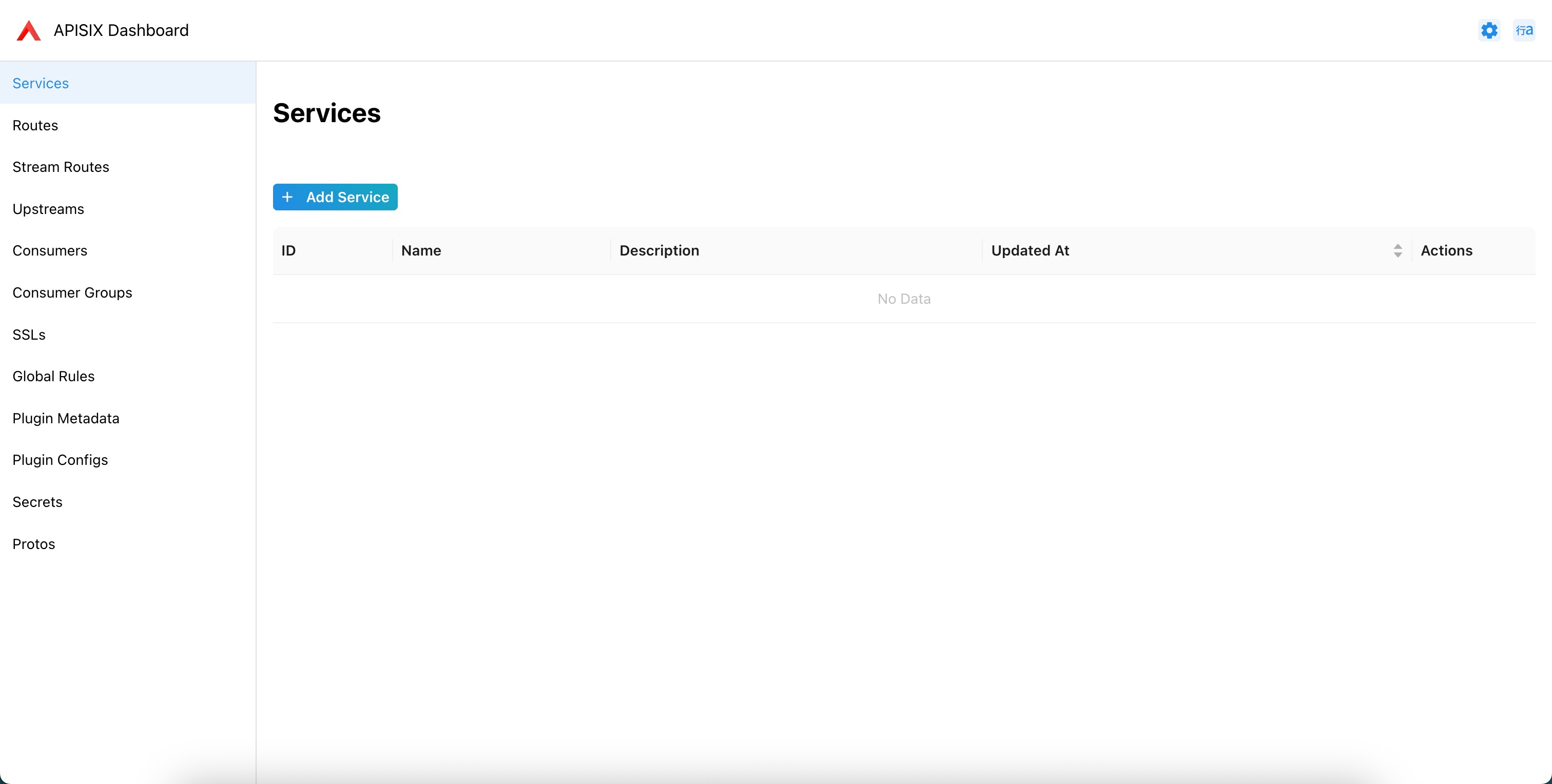
APISIX has an embedded dashboard that can be accessed after a tunnel is established to the apisix-admin service. The dashboard is available on http://localhost:8190/ui. NOTE: you need the Admin key to be able to access the dashboard.
Configuring APISIX using REST APIs
You can configure and update the APISIX gateway using the provided APIs. API Documentation