Metrics, Logs and Traces
More details can be found in the SigNoz Documentation.
Metrics
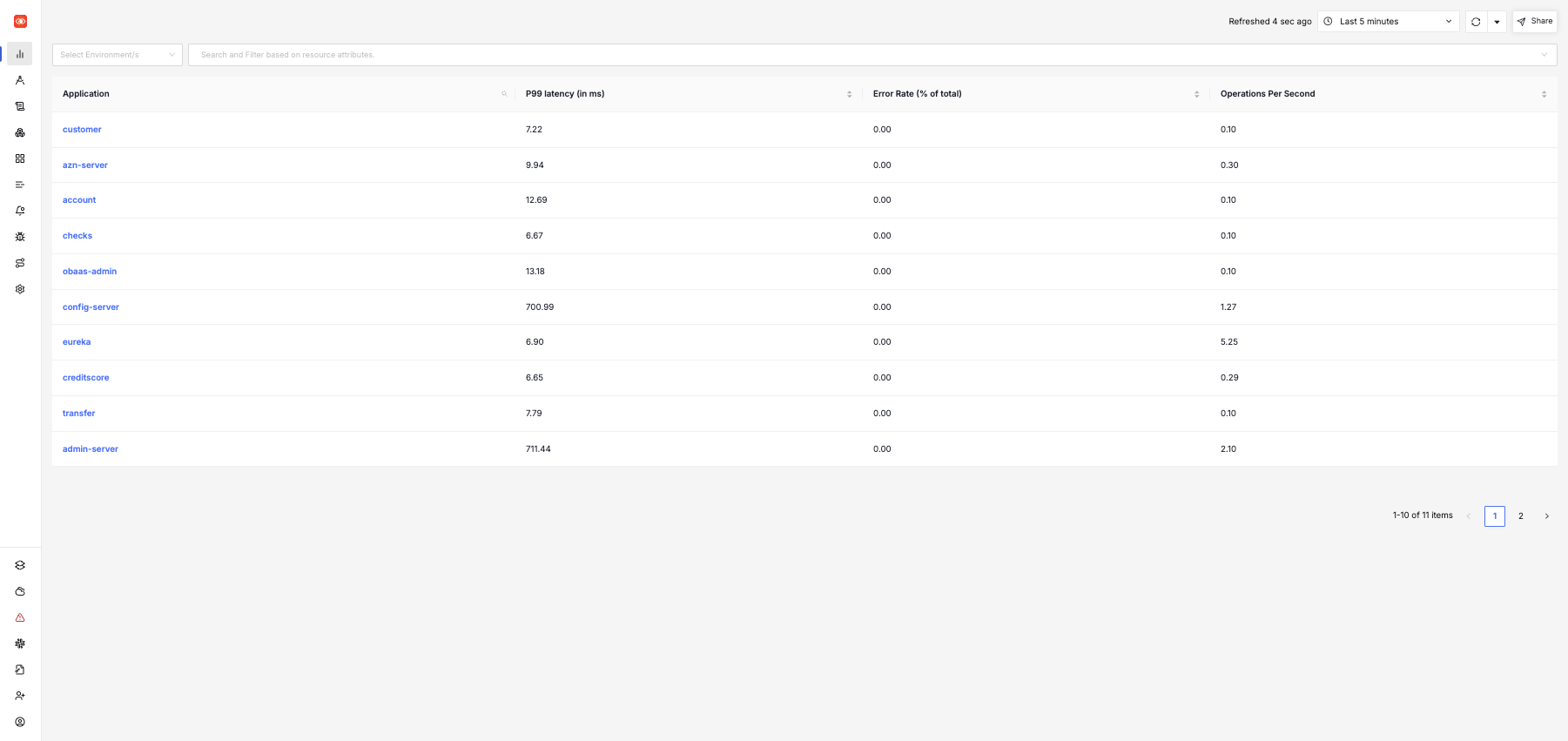
To access metrics in SigNoz, click on Services in the menu to see the list of applications.
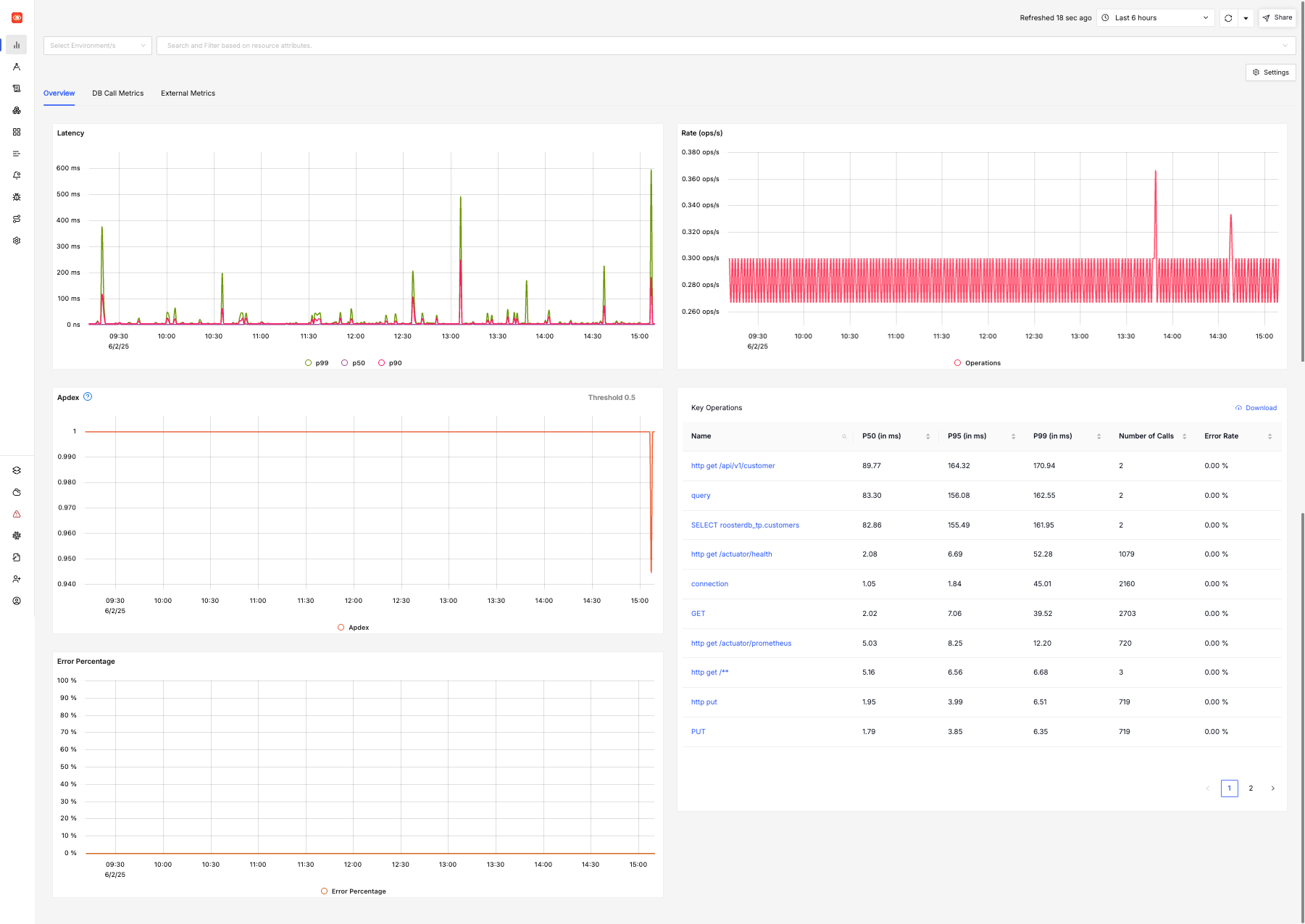
Click on any of the services to see its metrics in a dashboard.
Logs
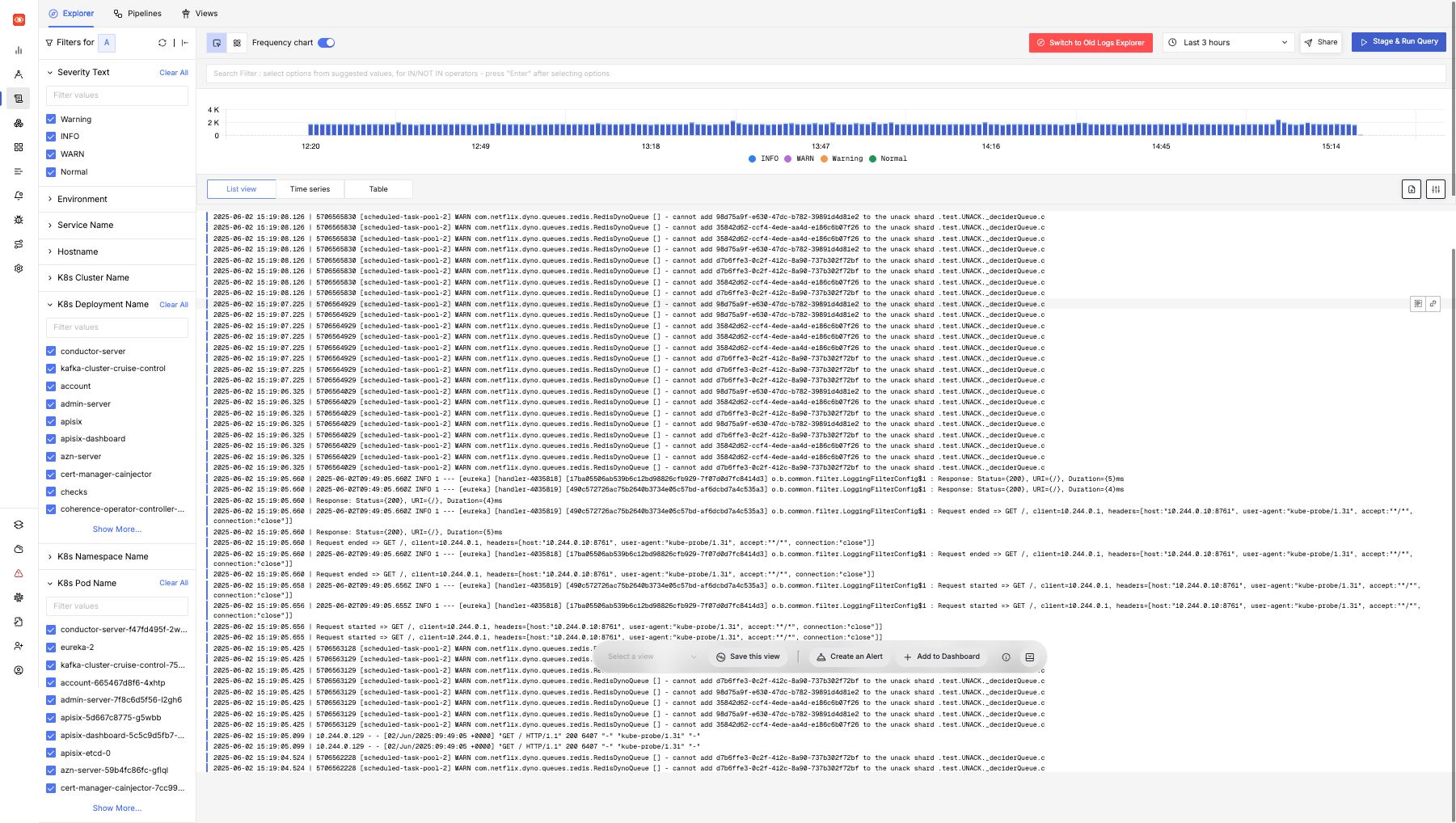
To access logs in SigNoz, click on Logs in the menu to access the Log Explorer where logs for all the applications and platform services can be accessed.
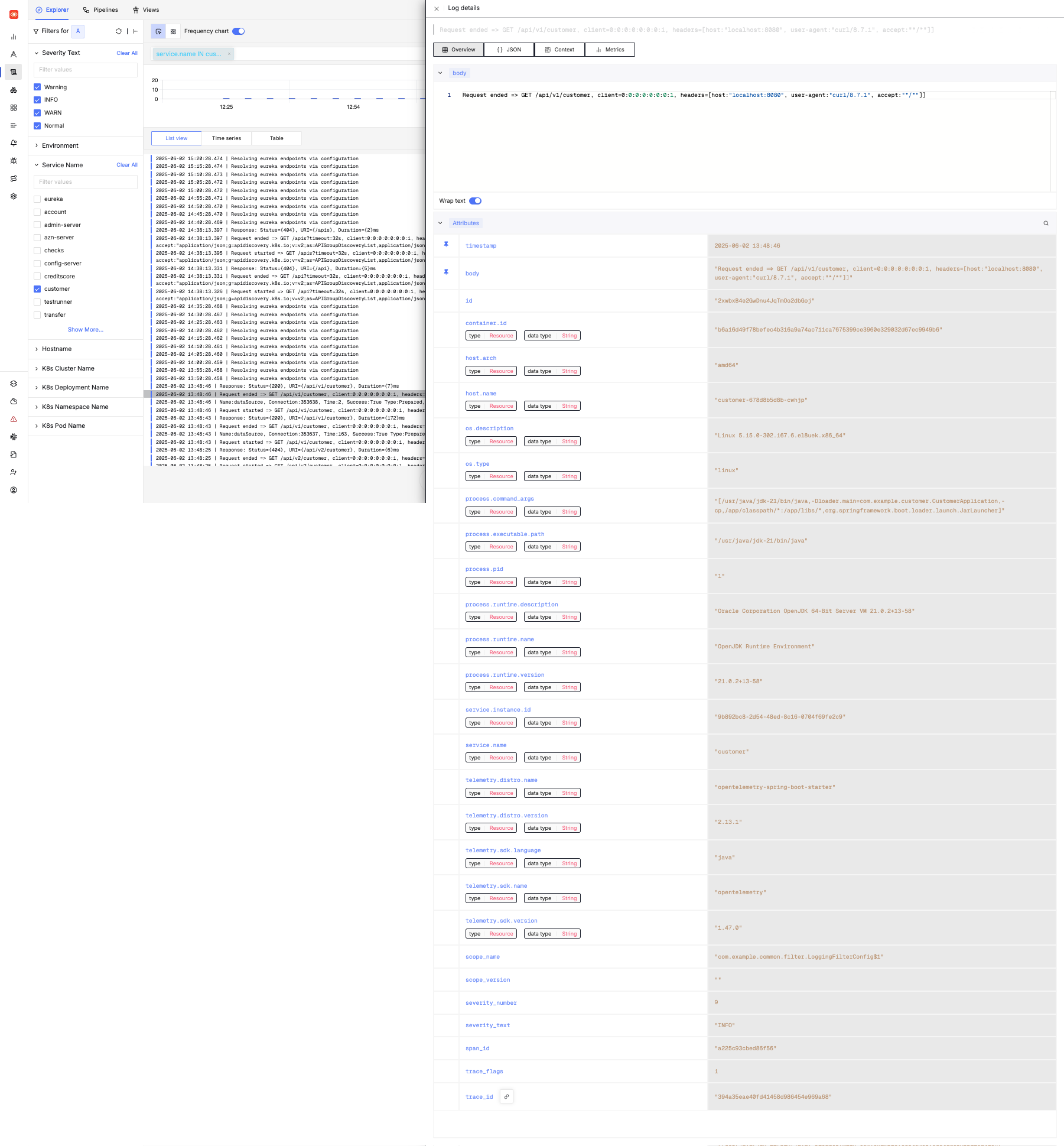
Logs can be filtered based on Namespaces, Deployments, Pods etc. Clicking on any log line will show more details regarding a log event.
Traces
To access Traces in SigNoz, click on Traces in the menu to access the Traces view where all trace events can be accessed.
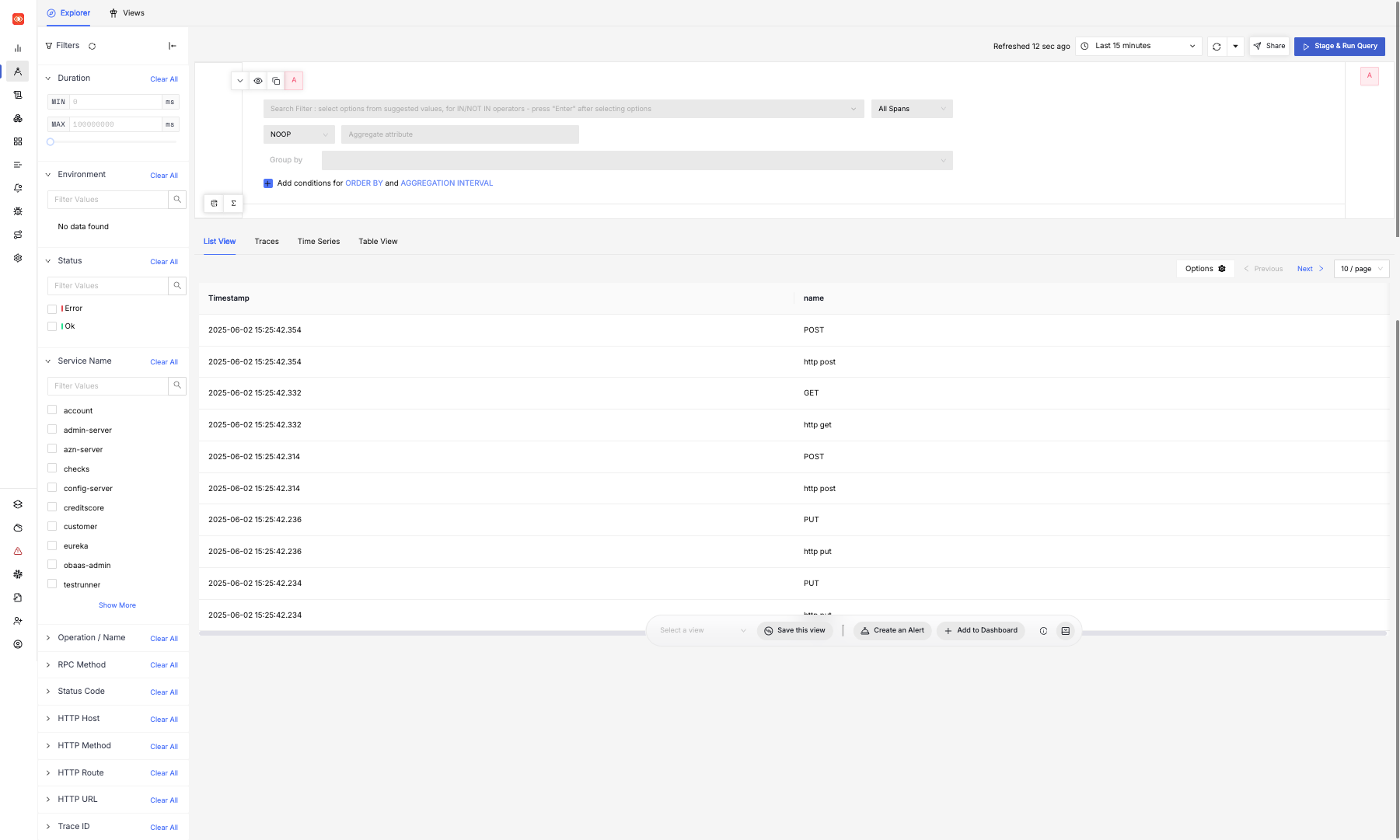
Traces can be filtered based on Service, HTTP Routes etc. Click on a trace to see its details.
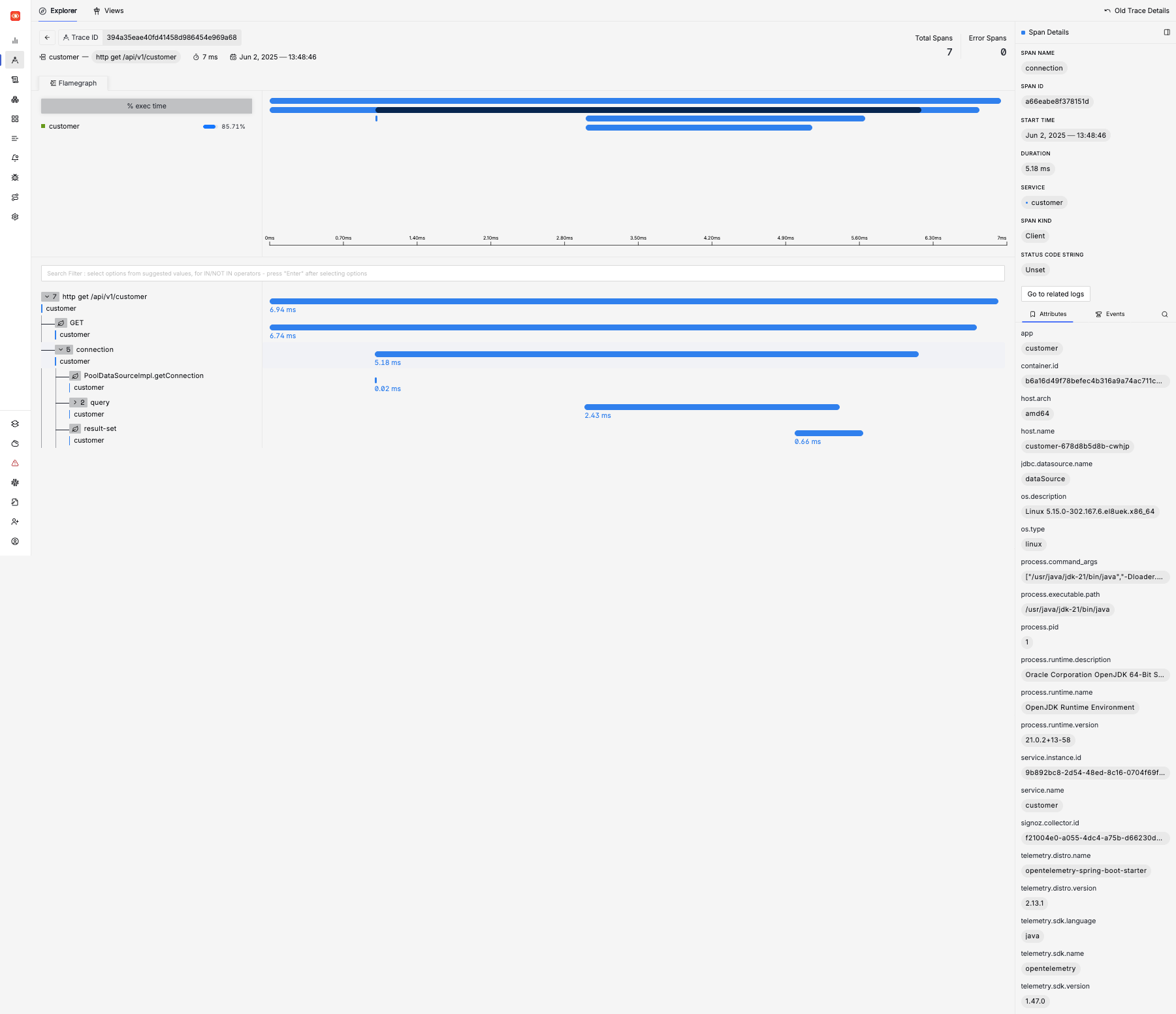
Logs for a trace event can directly be accessed using the Go to related logs link.