Access SigNoz
Accessing SigNoz Observability Platform
SigNoz is the observability platform included with OBaaS that provides metrics, traces, and logs visualization. This guide shows you how to access the SigNoz UI and retrieve your admin credentials.
Prerequisites
- OBaaS deployed and running
- kubectl configured with access to your cluster
- Your OBaaS namespace name (referred to as
<namespace>below)
If you deployed with Terraform, your namespace is typically your label_prefix value.
If you deployed with Helm, it's the namespace you specified during installation (e.g., obaas-prod, tenant1, etc.).
Retrieve SigNoz Credentials
SigNoz admin credentials are stored in a Kubernetes secret named <namespace>-signoz in your OBaaS namespace.
Get the admin email/username:
kubectl -n <namespace> get secret <namespace>-signoz \
  -o jsonpath='{.data.email}' | base64 -d && echo
Get the admin password:
kubectl -n <namespace> get secret <namespace>-signoz \
  -o jsonpath='{.data.password}' | base64 -d && echo
Access the SigNoz UI
Expose the SigNoz UI using kubectl port-forward:
obaas is the default Helm release name used when installing the SigNoz chart. The service name follows the pattern <release-name>-signoz. If you used a different release name during installation replace <release-name> with your release name:
kubectl -n <namespace> port-forward svc/<release-name>-signoz 8080
Finding the correct service name:
If you're unsure of the service name, list all services in your namespace:
kubectl get svc -n <namespace> | grep signoz
Look for a service with a name ending in -signoz (e.g., obaas-signoz, tenant1-signoz).
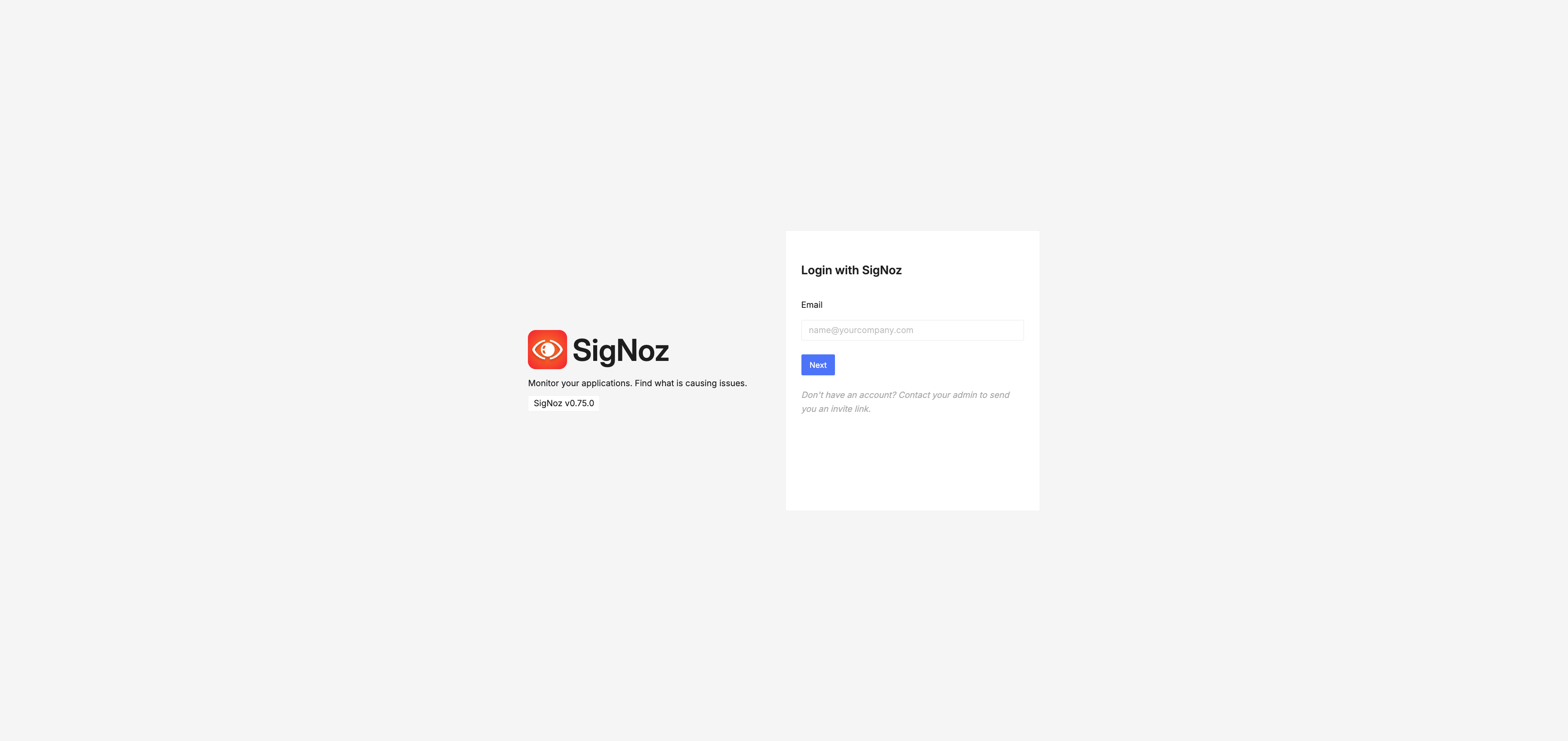
Log In to SigNoz
-
Open your browser and navigate to:
- Port-forward: http://localhost:8080
-
Enter the credentials you retrieved in Step 1:
- Email: The email from the secret
- Password: The password from the secret
-
Click Login
SigNoz Dashboard: