Details
The Oracle AI Optimizer and Toolkit (the AI Optimizer) provides a streamlined environment where developers and data scientists can explore the potential of Generative Artificial Intelligence (GenAI).
By integrating Oracle AI Database Vector Search and SQLcl MCP with familiar Open Source Software (OSS), the AI Optimizer enables users to enhance existing Language Models through Retrieval Augmented Generation (RAG) and Natural Language to SQL (NL2SQL).
This method significantly improves the accuracy of AI models, helping to avoid common issues such as knowledge cut-off and hallucinations.
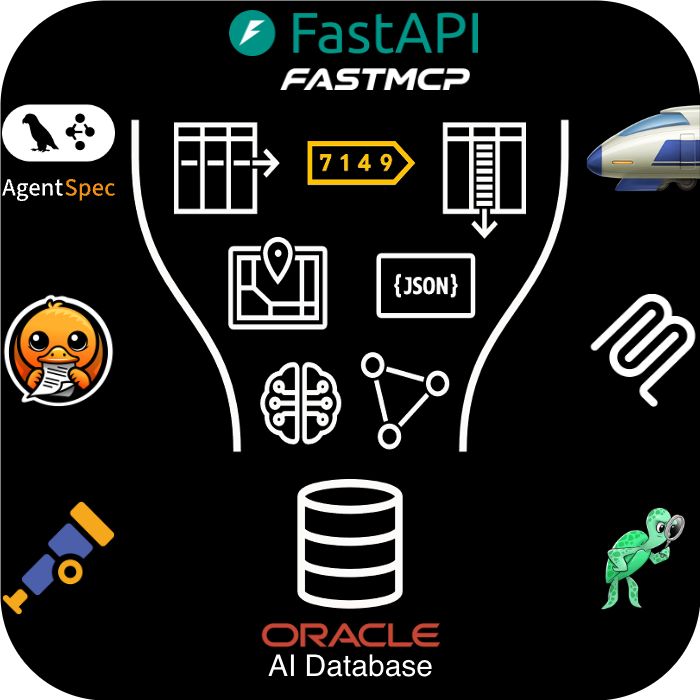
* Project names and logos are shown for identification purposes only. Unless expressly stated, their use does not imply affiliation with, sponsorship by, or endorsement by Oracle or the respective project owners.
Features
The AI Optimizer brings together the capabilities you need to build, test, and refine GenAI solutions on the Oracle AI Database:
- Configuring Embedding and Language Models
- Experimenting with Language Model Parameters
- Splitting and Embedding Documentation
- Modifying System Prompts (Prompt Engineering)
- Enforcing Deep Data Security
- Testbed for auto-generated or existing Q&A datasets
Getting Started
The AI Optimizer is available to install in your own environment, which may be a developer’s desktop, on-premises data center environment, or a cloud provider. It can be run either on bare-metal, within a container, or in a Kubernetes Cluster.
Prefer a Step-by-Step?
The Walkthrough is a great way to familiarize yourself with the AI Optimizer and its features in a development environment.
Prerequisites
- Python 3.11 (for running Bare-Metal)
- Container Runtime e.g. docker/podman (for running in a Container)
- Access to a Chat Model, and an Embedding Model for RAG:
- API Keys for Third-Party Models
- On-Premises Models*
- Oracle AI Database incl. Oracle AI Database Free
*Oracle recommends running On-Premises Models on hardware with GPUs. For more information, please review the AI Optimizer documentation.
What do I actually need?
Available deployment methods:
Bare-Metal Installation
To run the application on bare-metal, download the latest release:
Uncompress the release in a new directory. For example:
Create and activate a Python Virtual Environment:
Install the Python modules:
(Optional) Create an environment file to pre-configure the application:
Edit
src/.env.devas needed. See Environment Variables for details.Start the application:
Navigate to
http://localhost:8501.Configure the AI Optimizer.
Container Installation
Same… but Different
The documentation will reference podman commands. If applicable to your environment, podman can be substituted with docker.
If you are using docker, consider aliasing the podman command:
alias podman=docker.
To run the application in a container, download the latest release:
Uncompress the release in a new directory. For example:
Build the ai-optimizer-aio image.
Note: MacOS Silicon users may need to specify
--arch amd64Start the Container:
Navigate to
http://localhost:8501.Configure the AI Optimizer.
Oracle Cloud Infrastructure
The AI Optimizer can easily be deployed using Infrastructure as Code (IaC) into Oracle Cloud Infrastructure (OCI).
OCI deployment options include:
- An Always-Free Installation
- Simple Virtual Machine Installation
- Advanced Oracle Kubernetes Engine
To get started, review the IaC documentation.