AI Optimizer Server
The workhorse of the AI Optimizer is the API Server, referred to as the AI Optimizer Server. By default, the AI Optimizer Server starts on port 8000.
The AI Optimizer Server API documentation is available at http://<IP Address>:<Port>/v1/docs for a running instance. Enter the API key to view and use the documented endpoints.
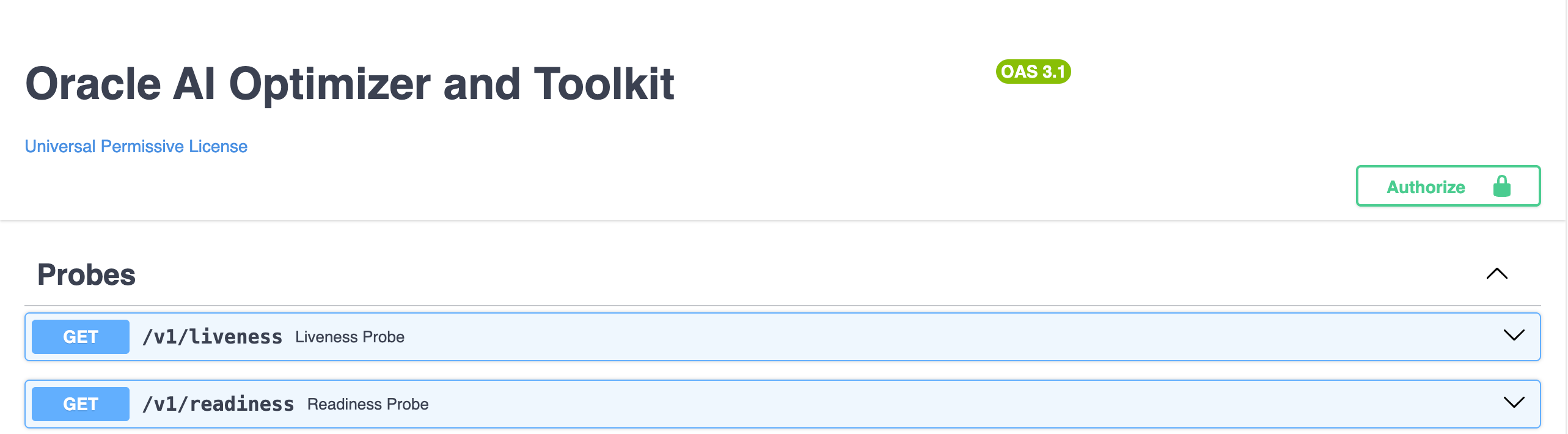
Powered by FastAPI and Uvicorn, the AI Optimizer Server acts as an intermediary between REST-capable clients, AI models, and the Oracle AI Database.
Calling the API
Authenticated API requests send the API key in the X-API-Key header. In a standalone deployment, set AIO_API_KEY before starting the server and distribute the key through your normal secret-management process.
View Server Logs
How you view the AI Optimizer Server logs depends on how the application is running.
Bare-Metal Installation
When the Client starts the Server, Server output is written to src/apiserver_<port>.log. From the repository root, follow the log for the default Server port (8000) with:
tail -f src/apiserver_8000.log
When the Client and Server were started as separate processes, Server logs appear in the terminal running uv run python src/entrypoint.py server.
Container Installation
The standalone Server container writes its logs to the container output. Follow them with:
podman logs -f <container-name-or-id>
In the all-in-one container, the Client starts the Server and writes its output to /app/src/apiserver_<port>.log. Follow the default Server log with:
podman exec -it <container-name-or-id> tail -f /app/src/apiserver_8000.log
Kubernetes / Helm
Follow the logs from the Server pods in the deployment namespace:
kubectl -n ai-optimizer logs \
  -l 'app.kubernetes.io/component=server,app.kubernetes.io/instance=ai-optimizer' \
  -f
The command uses the namespace and Helm release name from the documented installation. Replace the namespace or app.kubernetes.io/instance value if either differs in your deployment.
Multiple Clients
Several GUI, IDE, MCP, and external clients can use the same server. The server keeps their working sessions separate while they use the same configured resources.
Use separate client sessions for a shared deployment. For the security boundary, see Access Control.