📡 API Server
The Oracle AI Optimizer and Toolkit (the AI Optimizer) includes an API Server that lets compatible clients access its features. The API Server can run with the provided AI Optimizer GUI client (the "All-in-One" deployment) or as a separate process.
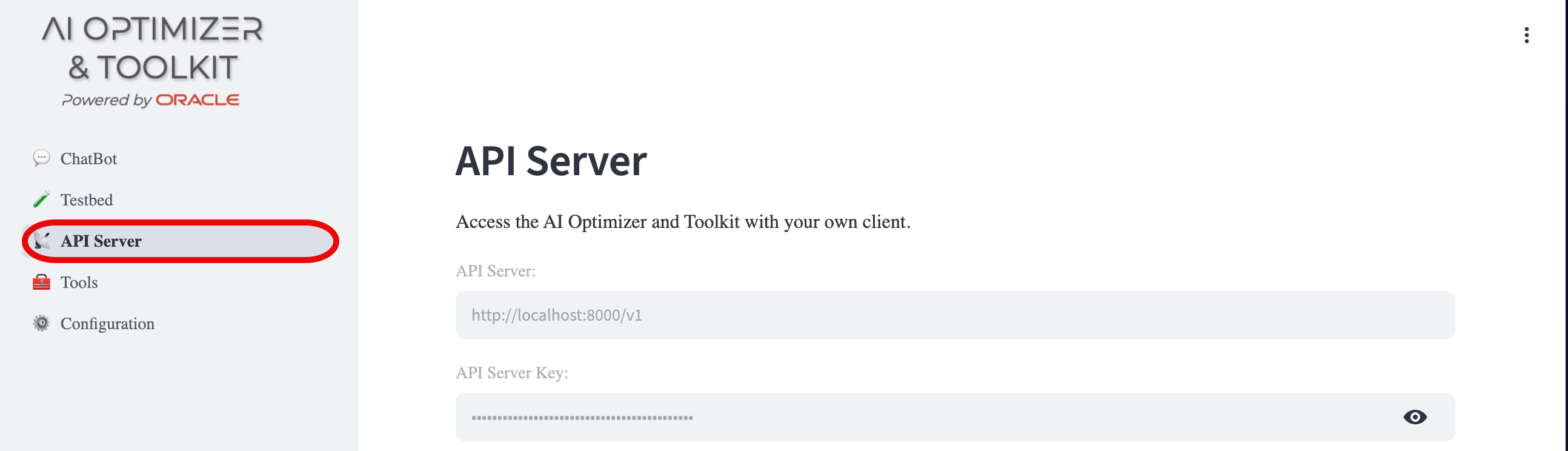
Connected clients share database, model, OCI, and prompt configurations. Each client can separately select a database, language model, OCI profile, enabled tools, and Vector Search options, making independent experiments possible on the same server.
When several people use one server, separate client sessions keep their conversations and working selections apart. To protect the shared configuration resources, see Access Control.
Server Configuration
When the API Server starts, it creates a server client from the configured client settings if one does not already exist. The server client is the default for external chat calls that do not specify a client. To copy the current GUI client's settings to the server client for use by external applications, click Copy Client Settings.
The API Server Key field shows the key external clients use to authenticate with the API Server. In All-in-One deployments, the AI Optimizer client creates and shares this key with the API Server when one has not been configured. When running the API Server as a standalone process, configure AIO_API_KEY explicitly and distribute it through your normal secret-management process.
For API request details, see AI Optimizer Server.
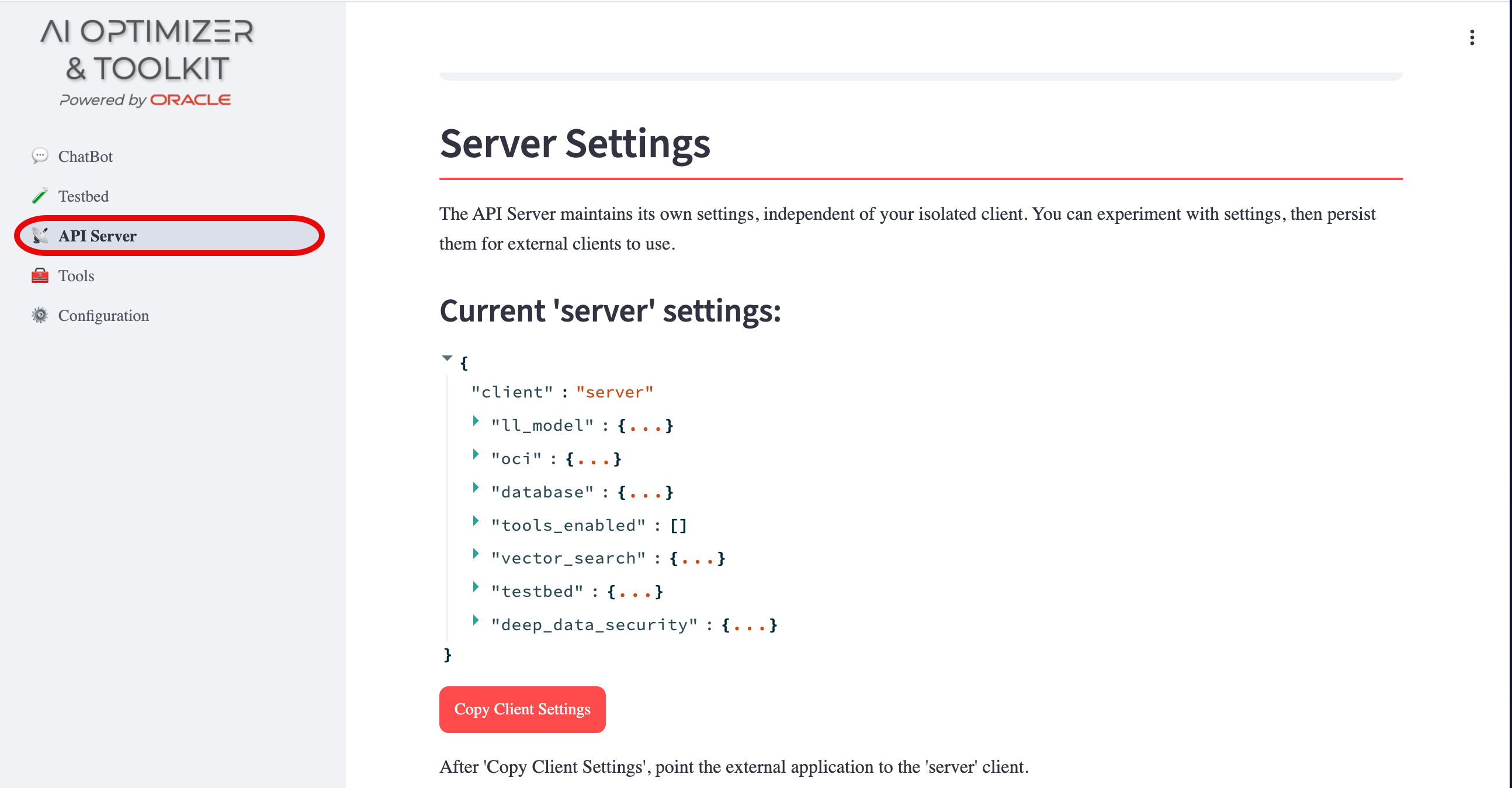
You can review the server client's settings by expanding the {...} brackets. The copy action transfers client-specific settings only; shared configuration remains unchanged, and runtime-only Deep Data Security settings are not copied.
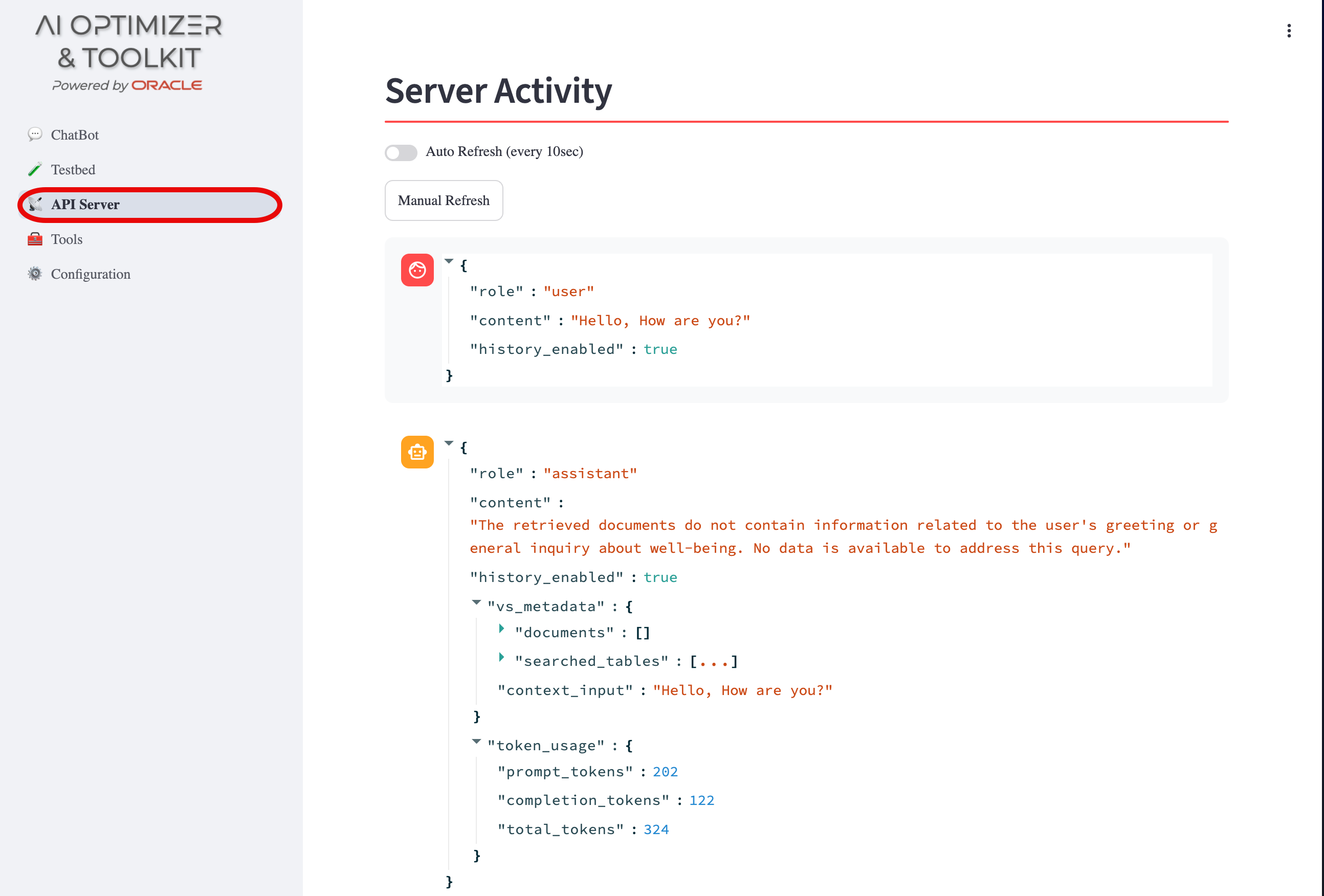
Server Activity
Server Activity displays chat interactions that use the server client. Toggle Auto Refresh or select Manual Refresh to view interactions from outside the AI Optimizer GUI client.